

Recent versions of Mozilla Firefox whip new AI functionality enabled by default. Generative AI has its place, but embedding it directly into a browser should require opt-in on behalf of the user.
Removing the AI cruft is quick and easy.
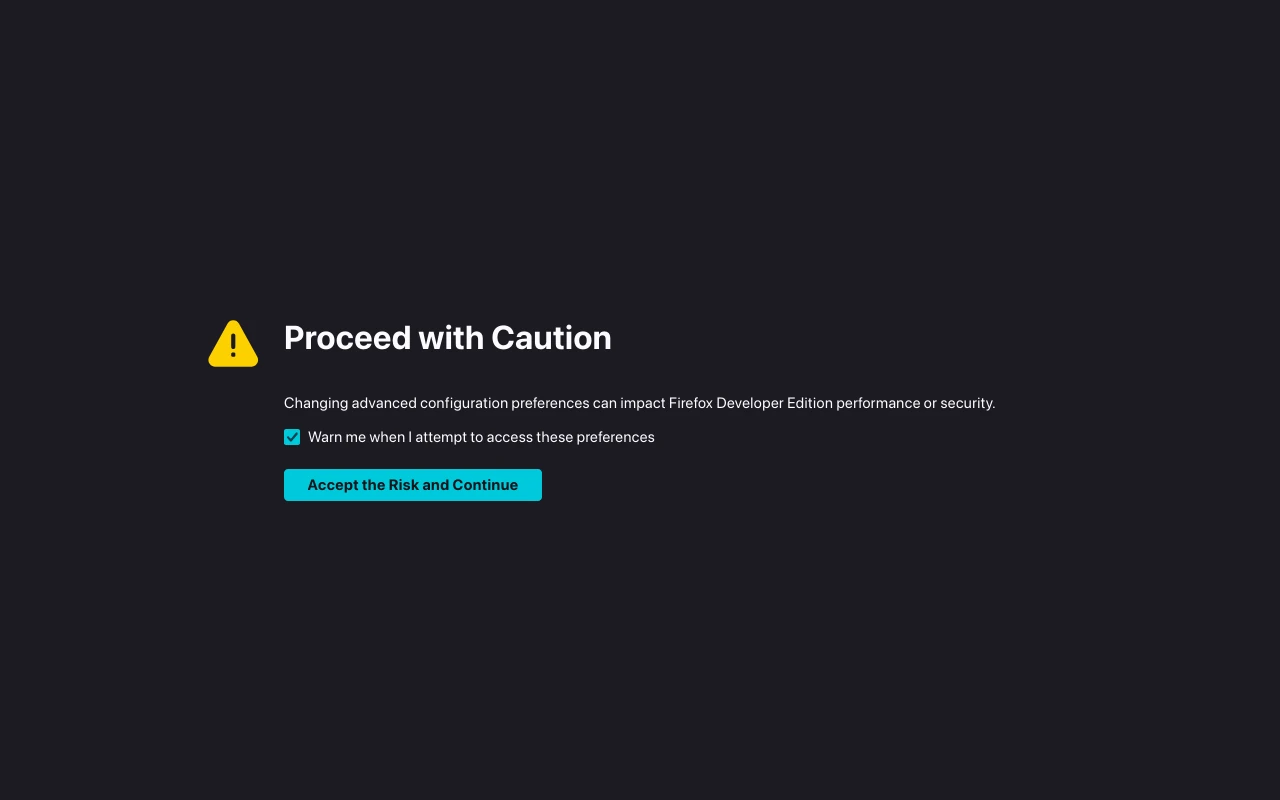
First, open a new browser tab (in Firefox) and navigate to “about:config” in the address bar. You’ll see a message saying something like “Proceed with Caution” – that’s fine, just click the “Accept the risk…” button to go in to the settings area.
Change each of the following settings to false by entering its name in the search bar, then double-click on the “true” value so it changes to false:
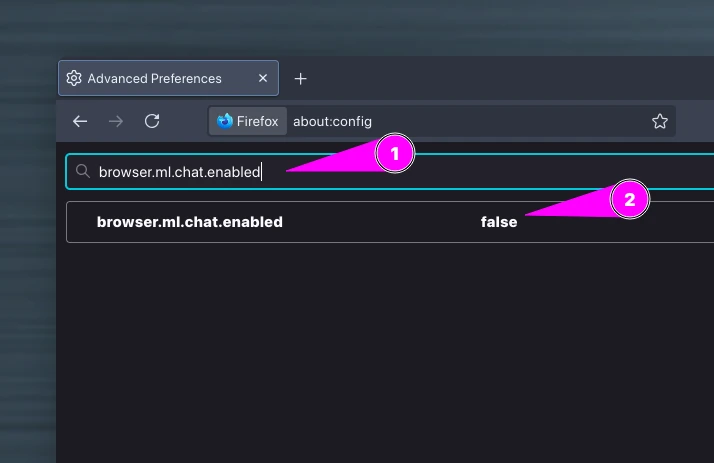
- browser.ml.enable = false
- browser.ml.chat.enabled = false
- browser.ml.chat.menu = false
- browser.ml.chat.page = false
- browser.ml.chat.page.footerBadge = false
- browser.ml.chat.page.menuBadge = false
- browser.ml.chat.shortcuts = false
- browser.ml.chat.sidebar = false
- browser.ml.linkPreview.enabled = false
- browser.tabs.groups.enabled = false
- browser.tabs.groups.smart.enabled = false
- browser.tabs.groups.smart.userEnabled = false
- extensions.ml.enabled = false
- sidebar.revamp = false
Once all those have been set to false, all Firefox AI stuff should be switched off. There’s no need to restart Firefox as the changes should be immediate.
Let me know in the comments, if we need to add any more AI-related settings to the list.
Update 17th Dec 2025
Here’s an updated user.js snippet. This is what I’ve started adding to the Betterfox user.js, in the “MY OVERRIDES” section:
/****************************************************************************
 * START: MY OVERRIDES                                                      *
****************************************************************************/
// visit https://github.com/yokoffing/Betterfox/wiki/Common-Overrides
// visit https://github.com/yokoffing/Betterfox/wiki/Optional-Hardening
// Enter your personal overrides below this line:
user_pref("browser.ml.chat.enabled", false);
user_pref("browser.ml.chat.page", false);
user_pref("browser.ml.chat.page.menuBadge", false);
user_pref("browser.ml.chat.page.footerBadge", false);
user_pref("browser.ml.chat.menu", false);
user_pref("browser.ml.chat.shortcuts", false);
user_pref("browser.ml.chat.sidebar", false);
user_pref("browser.ml.chat.enabled", false);
user_pref("browser.ml.linkPreview.enabled", false);
user_pref("browser.tabs.groups.enabled", false);
user_pref("browser.tabs.groups.hoverPreview.enabled", false);
user_pref("browser.tabs.groups.smart.enabled", false);
user_pref("browser.tabs.groups.smart.userEnabled", false);
user_pref("extensions.ml.enabled", false);
user_pref("sidebar.revamp", false);
user_pref("sidebar.revamp.defaultLauncherVisible", false);
user_pref("sidebar.notification.badge.aichat", false);
Great list! Didn’t see anything else in particular, but I went through all effected groups and cut them out kind of indiscriminately.
Cheers! I’m keeping an eye on the new releases of Firefox. With each update, I’m going in to “about:config” and running a search for “.ml.”. That seems to be a quick way of locating new AI options that are enabled by default.